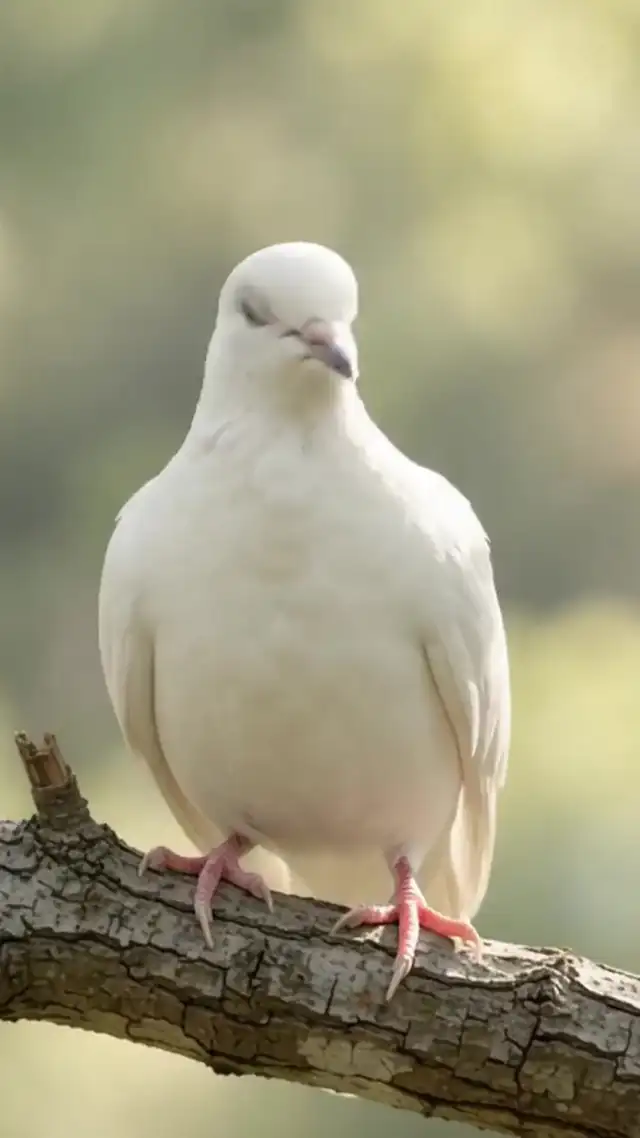
Example 1: a full invitation
Name: Margaret Ann Ellis. Dates: March 4, 1941 to October 12, 2026. Photo: Margaret in her garden. Line: "With love we invite you to say goodbye to Mom." Service: Saturday, October 18, 2026, 11:00 AM, Grace Community Church, 120 Elm Street, Springfield. Reception: following the service in the church fellowship hall. This is the most common form. For how to build it, read how to make a funeral invitation video.
Example 2: a private service announcement
Name: Robert James Turner. Dates: 1950 to 2026. Photo: Robert on his boat. Line: "Robert passed away peacefully at home. A private service will be held with his immediate family. Thank you for your love and your kind messages." There is no time or place, on purpose. More about this form is in the private service announcement.
Example 3: a gathering after the service
Name: Dolores "Dee" Ramirez. Dates: June 2, 1956 to October 9, 2026. Service: Friday, October 16, 10:00 AM, Riverside Chapel, 45 Mill Road, Lakewood. Gathering: "Please join us afterward for lunch and stories at the Lakewood Community Center, 300 Park Avenue, from 12:30 to 3:00 PM." The gathering gets its own line with its own time, so nobody arrives at the wrong place.
Example 4: simple, without a portrait
Name: Henry Walsh. Dates: 1938 to 2026. No photo, on a calm background of morning fog over a field. Line: "Funeral service Tuesday, October 20, 2:00 PM, Oakwood Funeral Home, 18 Cedar Lane, Fairview." Some families prefer no photo, or there is no good one. The video still looks finished. If the family later finds a photo, adding it is a small fix.
Example 5: a long name
Name: Elizabeth Catherine Montgomery-Vanderbilt. A long name is set slightly smaller and, if needed, over two lines, so it is never cut off. Dates: November 1, 1932 to October 10, 2026. Line: "Known to everyone as Betty." Service: Monday, October 19, 1:00 PM, St. Mark's Church, 9 Church Street, Millbrook. Read the name aloud in the preview to be sure every letter is right.
Example 6: a corrected time
The first video said the service starts at 10:00 AM. The church later moved it to 10:30 AM. You change the time, which is a free fix after payment, download the new file and send it in the same thread with one line: "Corrected time: the service now starts at 10:30 AM. Please use this video." Steps for this are in how to share a funeral invitation video.
Words to borrow
Each example uses short lines that you can copy and change. For many more, organized by purpose, see funeral invitation wording and celebration of life invitation wording.
What all six have in common
Each example puts the name first, then the dates, then the details people need, in short lines. None of them tries to say everything; the photo and background carry the feeling. Each one was read aloud before it was sent, which is the simplest way to catch a wrong weekday or a missing PM. And in each case the family chose or approved the photo, because a photo is the part people remember. When you build your own, it helps to write the lines down first, read them once, and then type them into the maker.
Adapting an example to your situation
Most real situations are a mix of these examples. A private burial followed by a public gathering is example 2 plus example 3. A video without a photo for someone with a long name is example 4 plus example 5. Start from the closest one, remove what does not apply, and add the one detail that is particular to this family, such as where to park or what to wear. If you are a funeral director, keeping a few of your own example texts ready makes the next video faster to build with a family.
Before you copy an example
- Replace every name, date and place
- Remove lines that do not apply
- Check that times use AM or PM
- Keep the family's own words where they have them

About these guides
Written by Funeral Invitations, in plain language, for funeral directors and families. If anything changes about the videos or the price, we update the guides.